NOW
The first line tells you everything.
Open the app and the verdict already tells you if everything is fine. If something fails, right below is what and what to do.
APP FOR IPHONE AND IPAD · VERSION 4.0
Know if your n8n workflows are fine.
What failed, why, and what usually fixes it. On your iPhone and iPad.
WorkflowHub connects straight to your n8n server and tells you in one line when you open it. If something broke, retry it right there.
Unofficial client · not affiliated with, endorsed by, or sponsored by n8n GmbH
SCREENSHOTS FROM THE FINAL BUILD
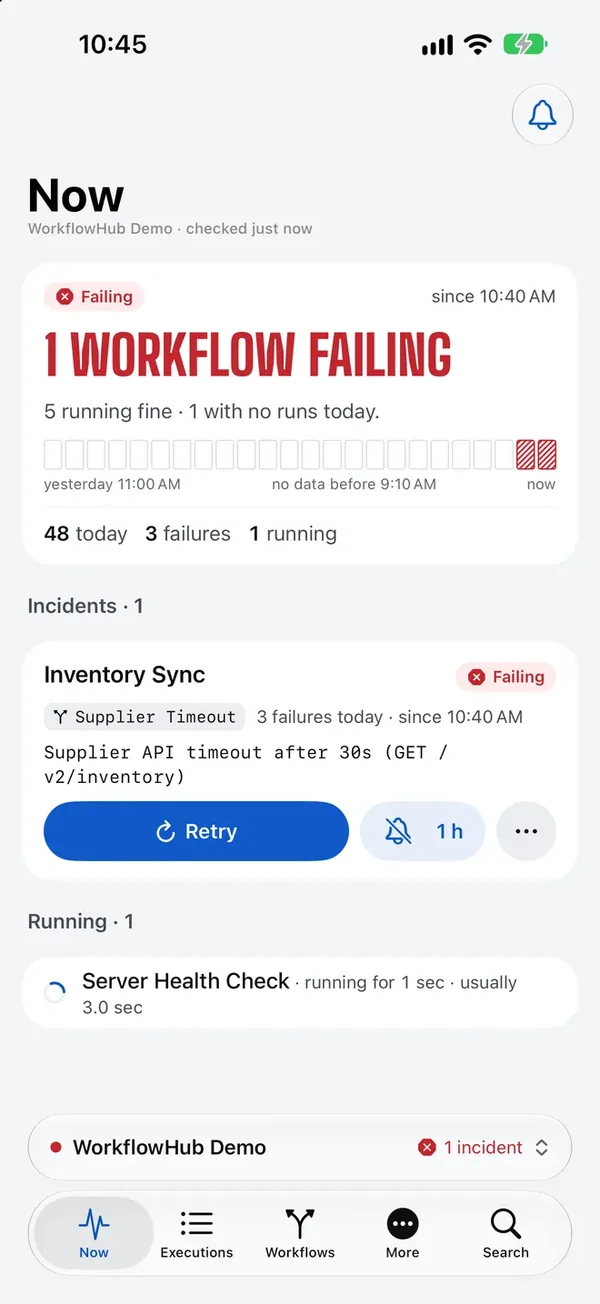
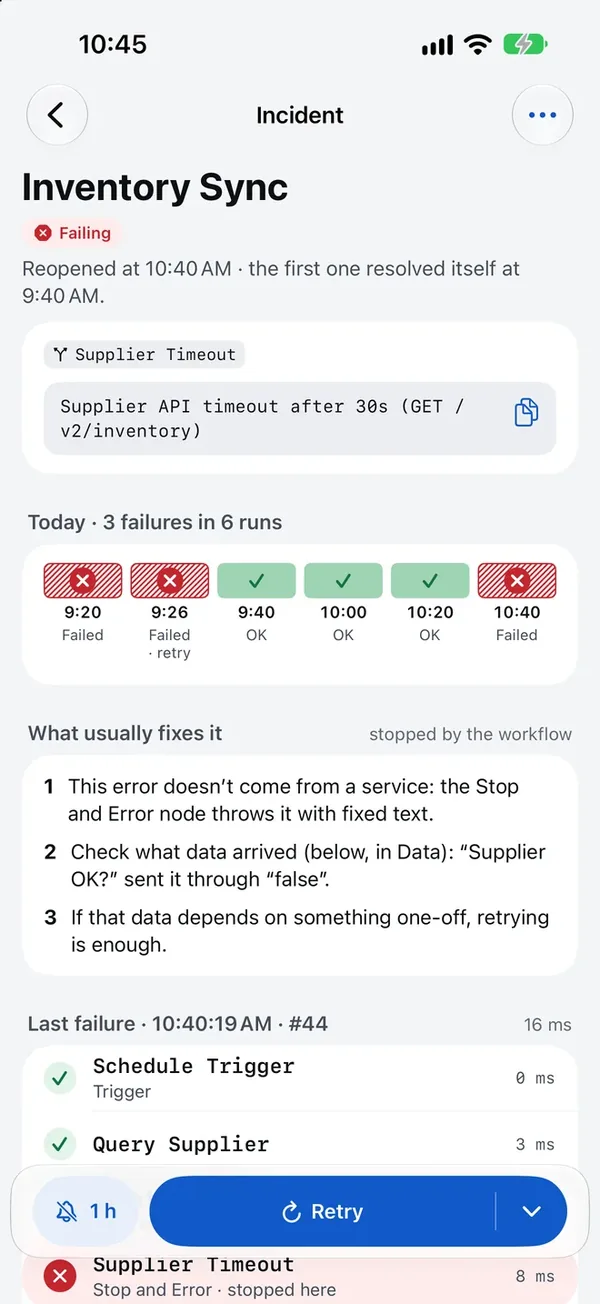
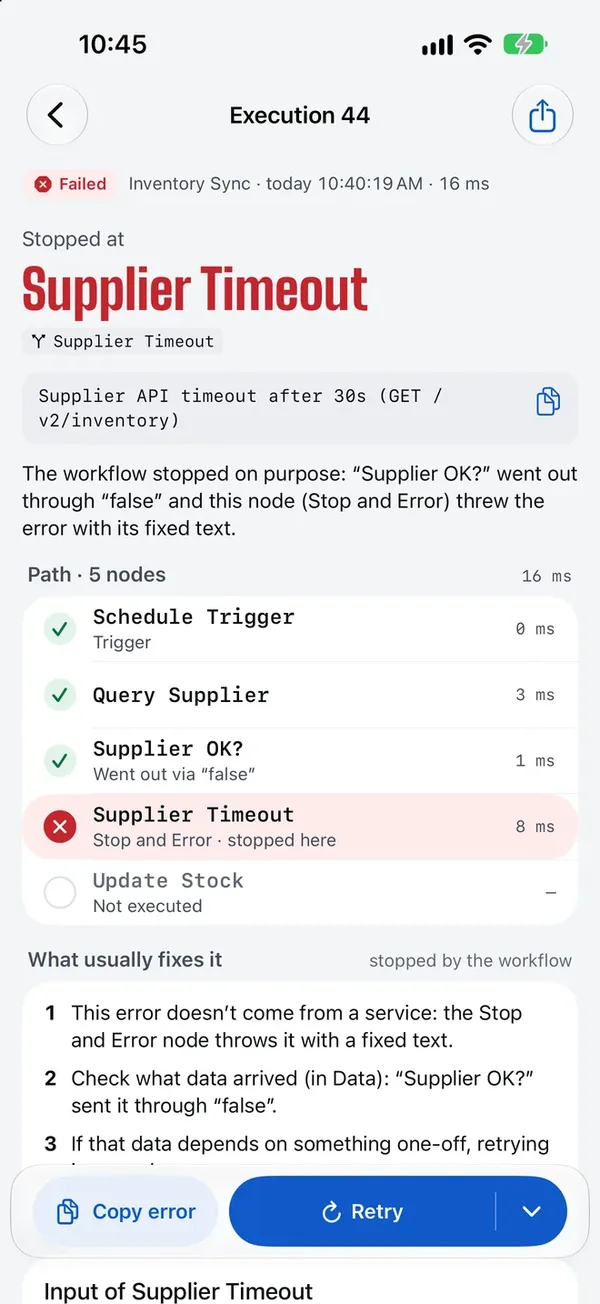
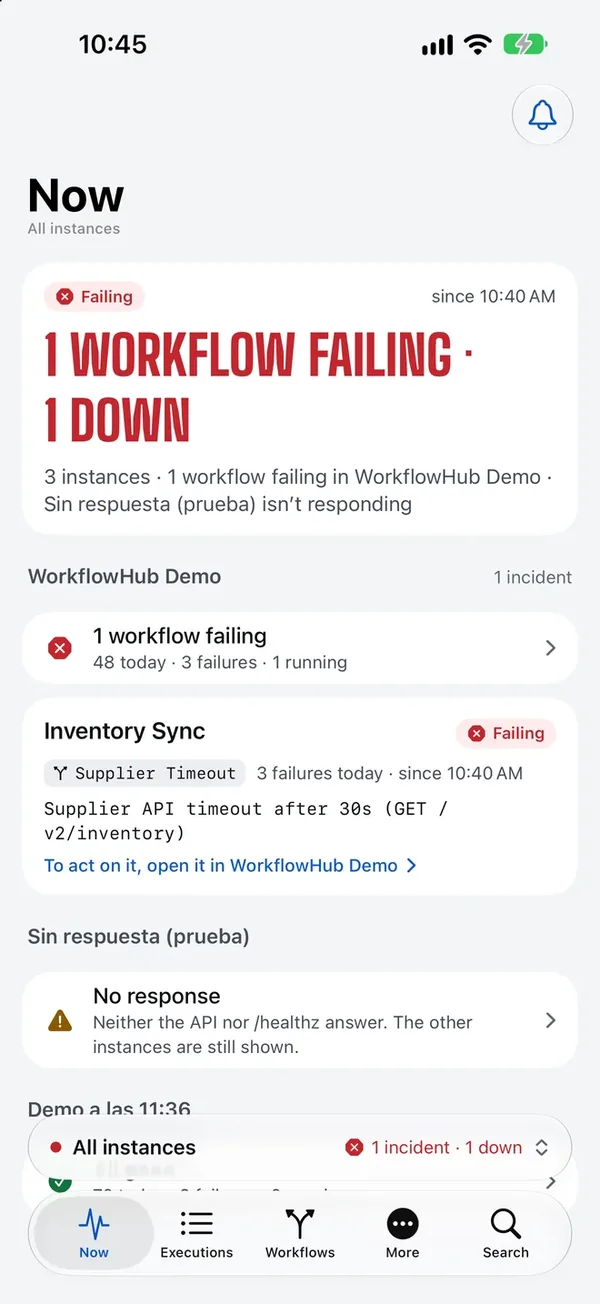
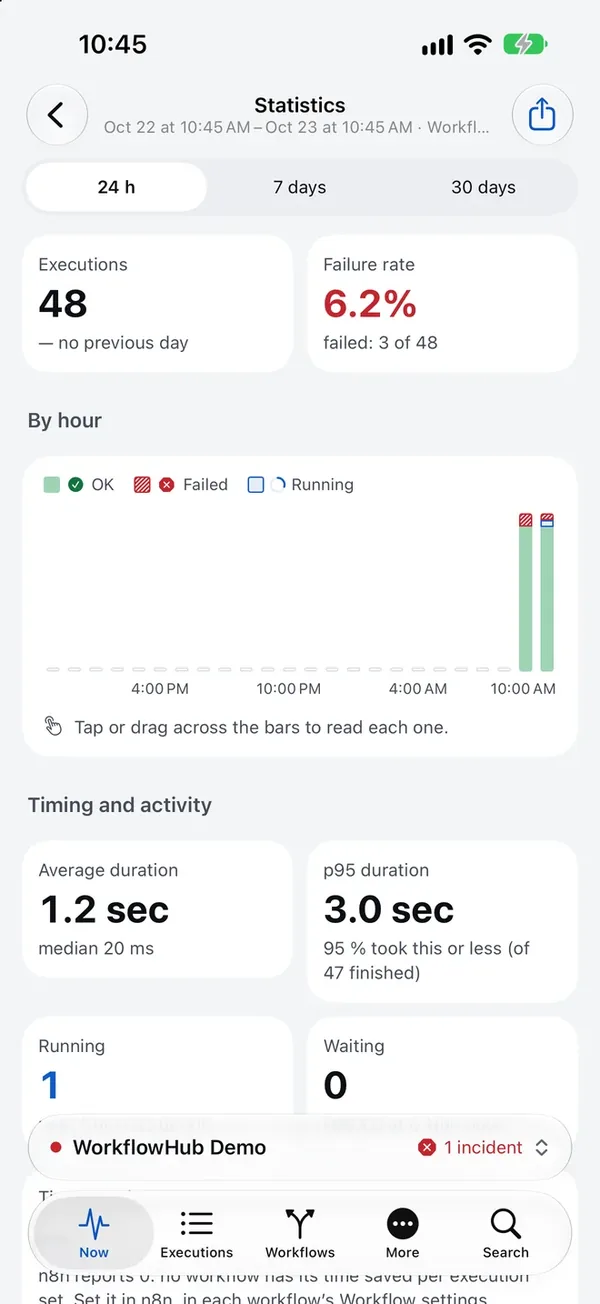
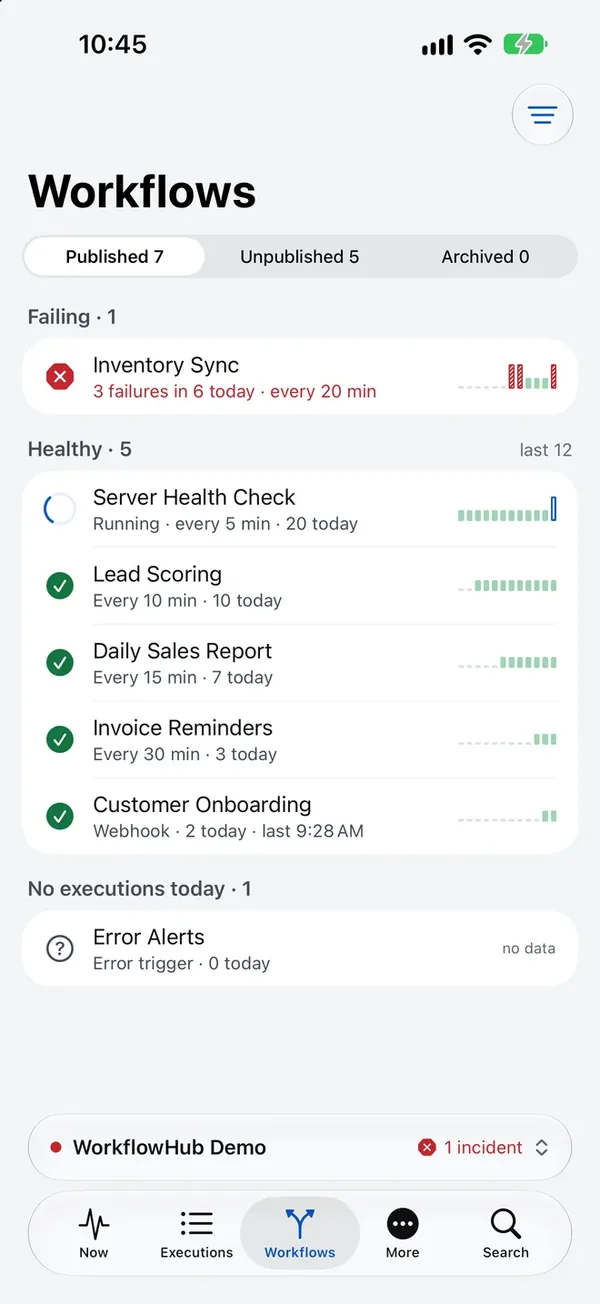
Sample data from the demo, not from clients.
NOW
Open the app and the verdict already tells you if everything is fine. If something fails, right below is what and what to do.
FIX IT FROM HERE
Retry, stop, or mute the workflow for an hour. Unpublish with a confirmation and undo whenever you want.
ALL INSTANCES
Connect several instances, each with its status. All instances brings one verdict and every incident together.
STATISTICS AND PERFORMANCE
Failure rate, average and p95 duration, time saved and the performance of each workflow, version by version.
Some features depend on your n8n version, plan and API key scopes. The app tells you when your server doesn’t offer something.
PRIVATE BY DESIGN
Data the app collects: none. No account, no analytics, no tracking. Direct HTTPS from your phone to your server, and API keys only in the iOS Keychain.
Read the privacy policyConnect your n8n once and you’ll know if everything is fine every time you look at your phone.